PostgreSQL
PostgreSQL Create Table
Create a PostgreSQL table with SQL, define columns, and verify the result in pgAdmin 4.
Connect to the database
Once you are connected to the database, you can write SQL statements in the
Query Tool. The example below creates a table named products.
Create a table
Run the following SQL statement:
CREATE TABLE products (
  name VARCHAR(255),
  model VARCHAR(255),
  year INT
);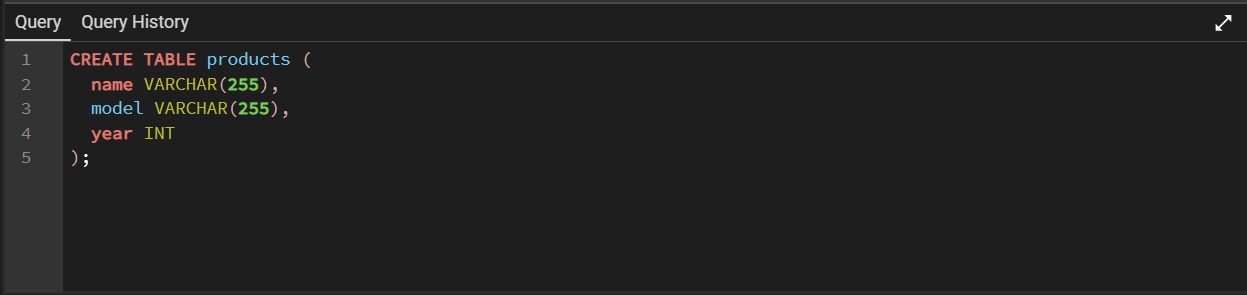
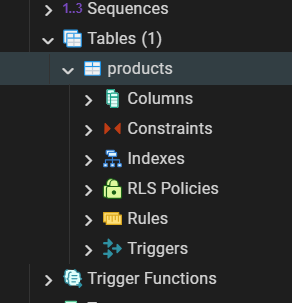
The statement creates an empty products table with three fields:
name, model, and year. Execute the statement
with the run button or by pressing F5.

SQL statement explained
Every column needs a data type. The VARCHAR(255) type stores text
with up to 255 characters, which is suitable for the product name and model.
The INT type stores whole numbers, which fits the product year.
In production tables, also consider adding a primary key, NOT NULL
constraints, and suitable indexes. For example, an application table often
uses an identity or sequence-backed numeric identifier.
Display the table
Use a SELECT statement to read the table:
SELECT * FROM products;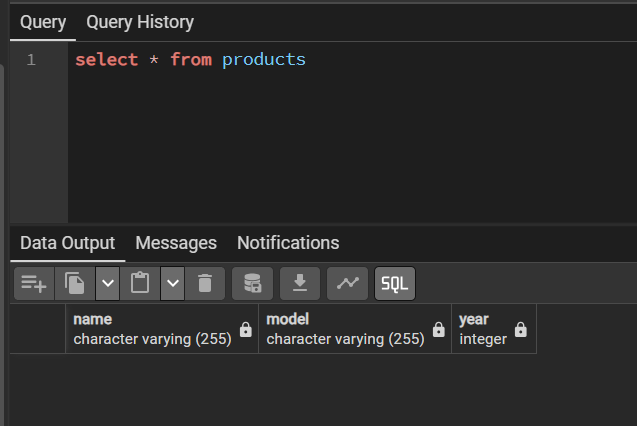
INSERT, change rows with
UPDATE, and remove rows with DELETE. Keep schema changes
in version-controlled migration scripts for application projects.