
Python Tutorial
Python Syntax
Learn Python syntax, interactive and script modes, variables, indentation, identifiers, keywords, comments, multiline statements, and user input.
What is Python syntax?
Python syntax is the set of rules that tells the interpreter how to read a program. It covers statements, expressions, indentation, names, comments, strings, operators, and the way blocks of code are organized.
Python syntax is intentionally readable, but it is still precise. A missing colon, mismatched quote, or incorrect indentation can prevent a program from running.
Interactive mode
Interactive mode runs one instruction at a time. Start Python from a terminal by entering python or python3. The >>> prompt means that the interpreter is ready for an expression:
>>> print("Hello, Python!")
Hello, Python!
>>> 2 + 3
5
This mode is useful for trying a function, checking a value, or learning how a standard-library method behaves.
Script mode
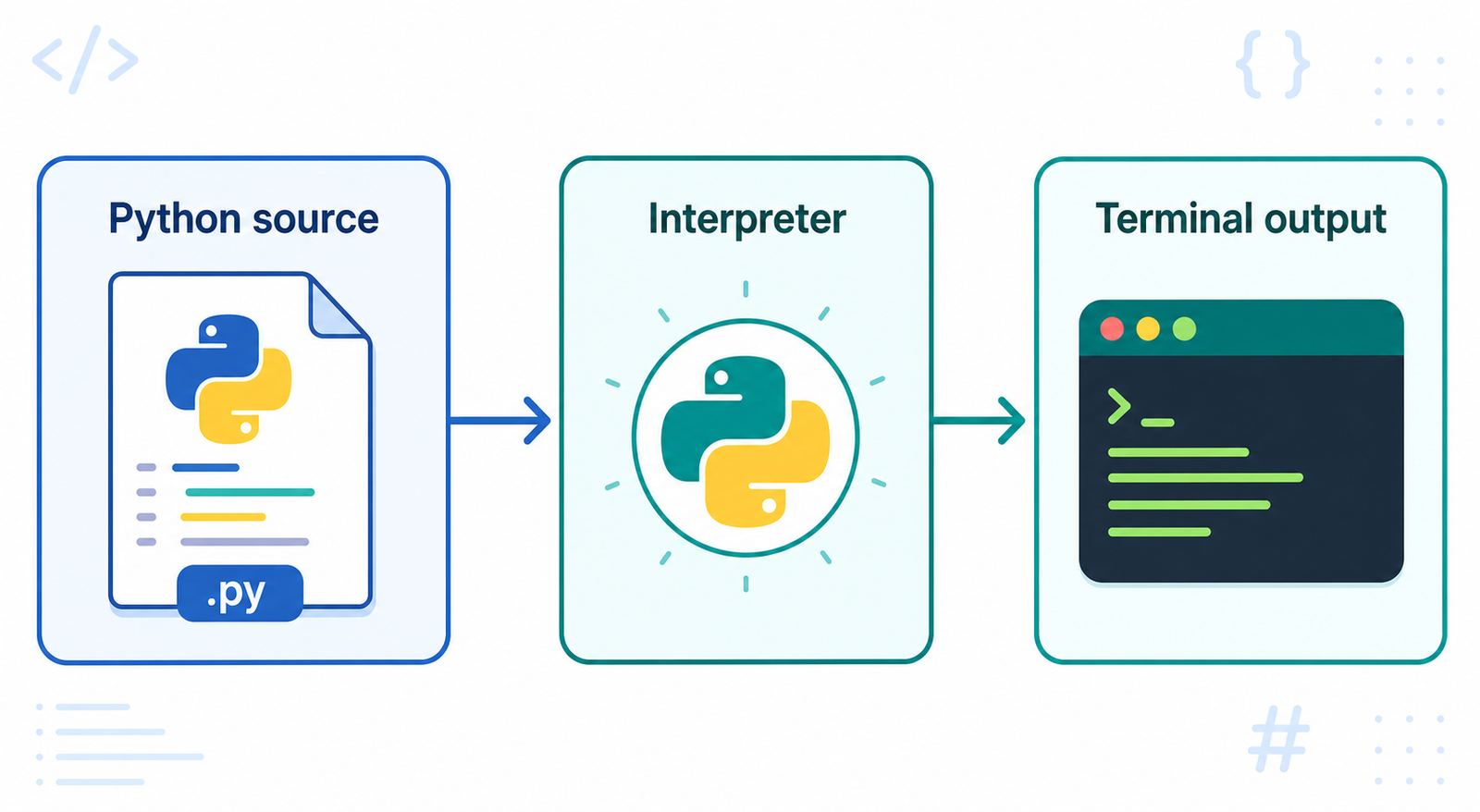
Script mode stores Python code in a file with the .py extension. Save this as sample.py and run it from the directory containing the file:
print("Hello from a Python script")python sample.pyScripts are better than interactive commands when you want to save, test, reuse, and share a program.
Variables and assignments
A variable is a name that refers to a value. Python does not require a type declaration before an assignment; the value determines the type at runtime:
count = 10
language = "Python"
print(count, type(count))
print(language, type(language))
Use descriptive names and remember that Python is case-sensitive. total and Total are different names.
Indentation defines code blocks
Python uses indentation instead of curly braces to show which statements belong to a function, condition, or loop. Four spaces are the usual convention. Statements in the same block must use consistent indentation:
score = 85
if score >= 50:
    print("Pass")
    print("Continue learning")
print("Program finished")
The two indented statements belong to the if block. The final statement is not indented, so it runs after the block. Incorrect indentation can raise an IndentationError or change the program’s logic.
Identifiers and naming rules
Identifiers are names used for variables, functions, classes, modules, and other objects. A valid identifier can contain letters, digits, and underscores, but it cannot begin with a digit or be a reserved keyword.
student_name = "Asha"
exam_score2 = 92

class StudentRecord:
    pass
Use snake_case for variables and functions, and PascalCase for classes. Names should describe the value or behavior they represent.
Python keywords
Keywords have special meaning in Python and cannot be used as ordinary identifiers. Examples include if, else, for, while, def, class, import, return, try, and with.
Python can show the keyword list for the installed interpreter:
import keyword
print(keyword.kwlist)
Comments and docstrings
A comment begins with # and is ignored by the interpreter. Use comments to explain intent, decisions, or non-obvious behavior:
# Calculate the total after applying the discount
total = price * quantity
Triple-quoted strings are string literals, not technically comments. When placed at the beginning of a module, class, or function, they become documentation strings, also called docstrings:
def add(first, second):
    """Return the sum of two numbers."""
    return first + second
Multiline statements
Long expressions can be split across lines inside parentheses, brackets, or braces. This is usually clearer than using a backslash:
total = (
    25 + 58 + 92
    + 74 + 29
)
print(total)
A backslash can continue a line, but it is easier to make mistakes with trailing spaces. Prefer implicit continuation inside matching delimiters.
Reading input from the user
The input() function displays a prompt and returns the entered text as a string. Convert the value when a number is required:
name = input("Enter your name: ")
age = int(input("Enter your age: "))
print(f"Hello, {name}. You are {age} years old.")
Input can be invalid, so production programs should handle conversion errors and validate values before using them.
Common syntax mistakes
- Forgetting the colon after
if,for,while,def, orclass. - Mixing tabs and spaces in the same code block.
- Leaving a string quotation mark or parenthesis open.
- Using a keyword as a variable name.
- Assuming that
input()returns an integer instead of a string.
Python syntax best practices
Use four spaces for indentation, keep functions small, choose descriptive names, add comments only where they add context, and format code consistently. These habits make Python programs easier to review, test, and maintain.
Further Reading
Continue learning with these related Python tutorials:
Continue learning